You are waiting for a parcel. Your phone buzzes: the delivery failed, and you need to fix your address. The timing feels convincing. The requested fee looks small. It would take only a moment to sort it out.
That is exactly why delivery messages deserve a pause. A real order can arrive at the same time as a fake alert. You do not need to become a detective to check it. You need a route to your order that the message did not choose for you.
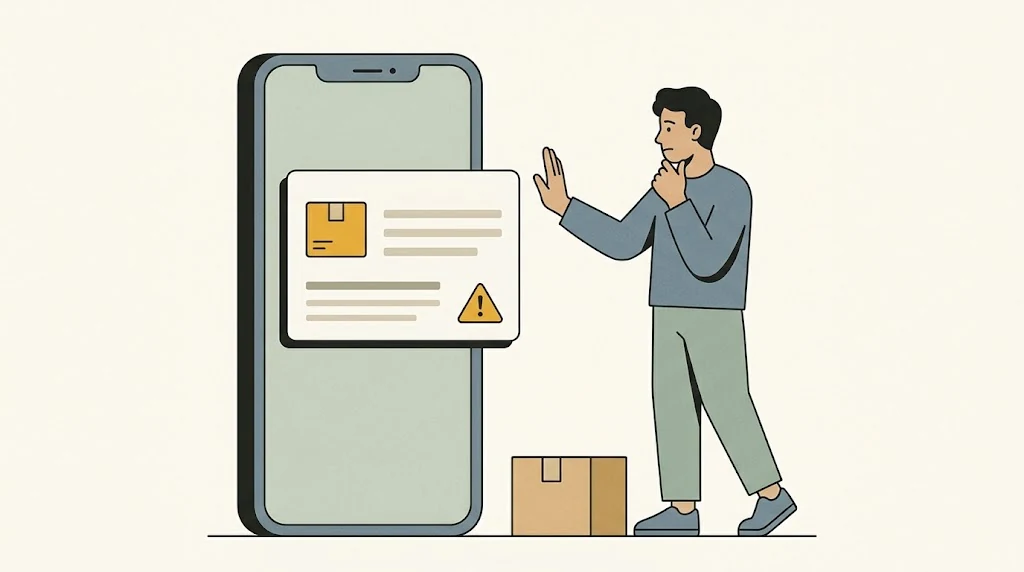
Start with your order, not the text
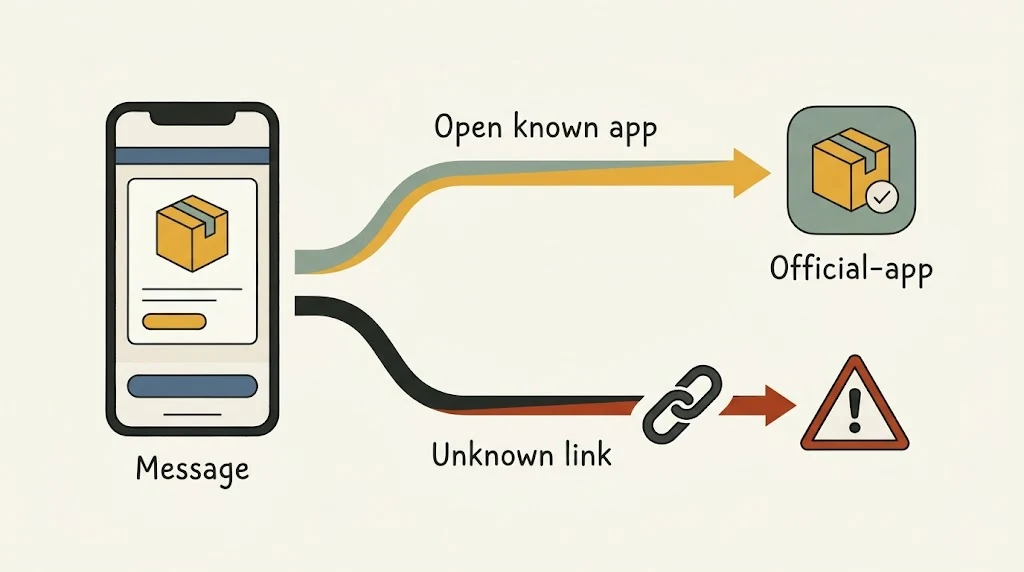
Close the message and open the shopping or delivery app you normally use. Find the order there. Alternatively, type the company’s known website address yourself or use a bookmark you already trust. Check the tracking details attached to the actual purchase.
If something still looks wrong, use contact details from that independent source. Avoid the phone number or support button supplied by the suspicious message. This is the central recommendation in the FTC’s delivery-scam guidance.
For example, imagine a text asks you to pay a redelivery fee, while your retailer’s app says the parcel has not shipped. That mismatch is a reason to stop and check with the retailer. Do not pay first just to make the warning disappear.
Three clues worth noticing
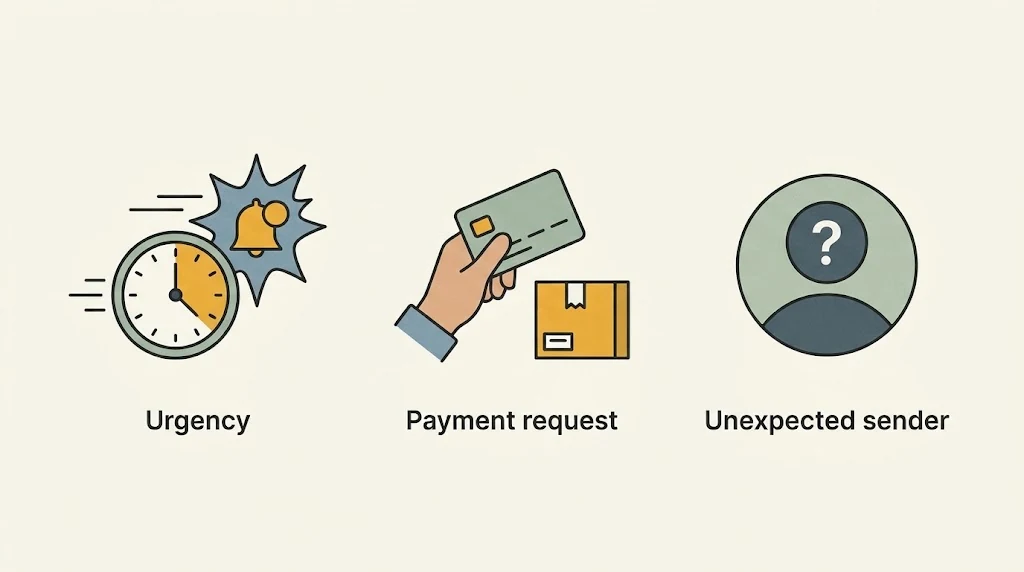
- A rush to act. A threat that your parcel will be returned immediately can push you past the checking step.
- An unexpected request. Be wary of a message that suddenly wants a password, payment details or other personal information.
- A route you cannot independently confirm. A company name in a message or web address is not enough to establish who controls the page.
The US Postal Inspection Service describes package-tracking text scams that use unfamiliar links and requests to respond. Its specific texting rules apply to USPS; other carriers have their own notification practices. The useful habit everywhere is to verify through the carrier or seller directly, rather than memorize one supposedly universal rule.
Perfect spelling does not prove a message is real. Nor does expecting a delivery. Treat the clues as reasons to investigate, not a checklist that can certify a text as safe.
Already tapped? Focus on what happened next
Opening a page, typing a password and installing an app are different events. Do not assume that tapping once automatically means your account was taken over. Also, do not keep interacting with the page to find out.
If you only opened it, close it without entering information, accepting prompts or downloading anything. Keep your device and browser updated. If you think something harmful downloaded or installed, follow the device maker’s official security guidance; the FTC recommends updating security software and scanning when a suspicious link may have downloaded malware.
If you entered a password, go independently to the real service and change it. Change it anywhere else you reused it, and enable the service’s available additional sign-in protection. If you gave payment details or paid, contact your bank or card issuer promptly through its official app or the number on your card. Explain what happened and ask what protective steps are appropriate. The FTC’s recovery guide separates these situations; recovery and refund rights vary by country and payment method.
The habit to keep
When a message tries to hurry you, take one independent step before acting. Check the actual order. A genuine delivery problem should be something you can verify without trusting an unexpected link.
AI-generated illustrations created with Google Gemini and reviewed for this article. These are conceptual illustrations, not screenshots.