An AI assistant gives you a neat answer, a helpful list and a confident explanation. It even supplies a reference. The response feels finished, so it is tempting to move on.
Before you do, ask a different question: which part of this answer have I actually checked? Clear writing makes information easier to read. It cannot, by itself, tell you whether that information is correct.
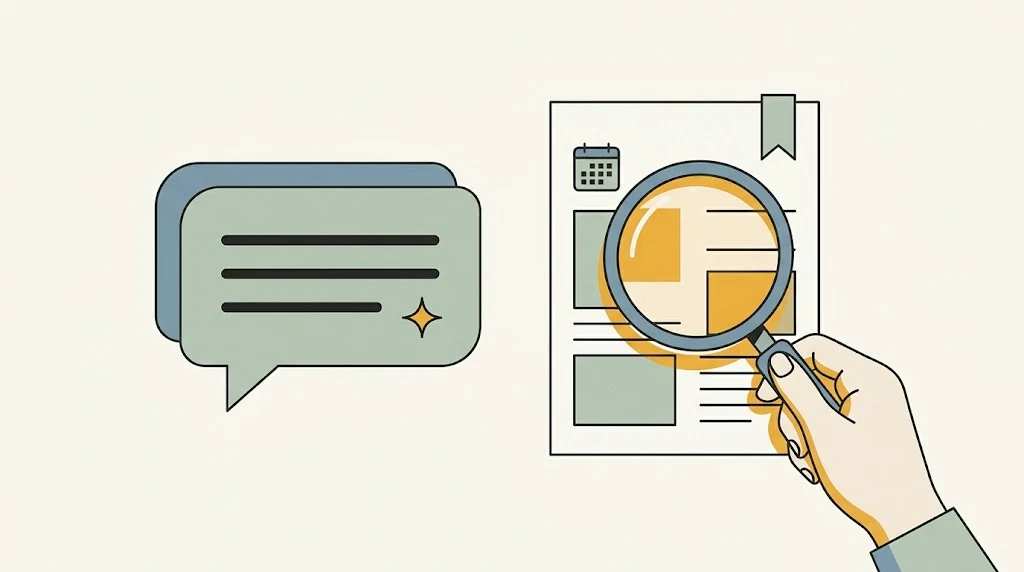
What is an AI “hallucination”?
In this context, it means an AI system presents inaccurate or invented material as if it were factual. NIST uses the term confabulation in its generative-AI risk profile. That can include a false explanation or a citation that does not support the answer.
Language models generate responses from learned patterns. They can produce useful, accurate text, but fluency is not a built-in guarantee of truth. There is no single error percentage that applies to every model, question and situation.
Imagine asking when a local museum opens on Sunday. A polished answer saying “9 a.m.” is not useful evidence if the assistant has not checked that museum’s current information. The appropriate next step is to look at the museum’s own page, not to admire how tidy the answer looks.
Use a three-stop check
- Open the original source. For a product feature, start with the manufacturer. For an event, start with the organizer. For a research claim, find the actual paper or report rather than stopping at an AI summary.
- Find the exact claim. Does the page really say what the answer says? A real link can still lead to a page that does not support the particular sentence.
- Check the context. Look for dates, location, product versions and conditions. A correct answer about last year’s model can be wrong for the device you own today.
Microsoft recommends checking AI output before acting. The important work happens outside the answer: inspecting the evidence and deciding whether it applies to your situation.
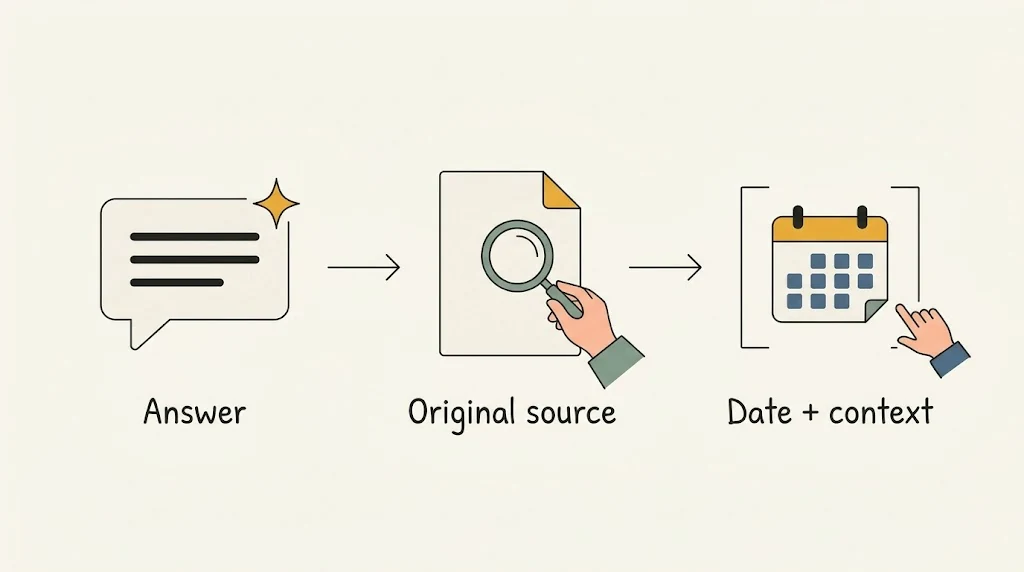
A citation is a starting point
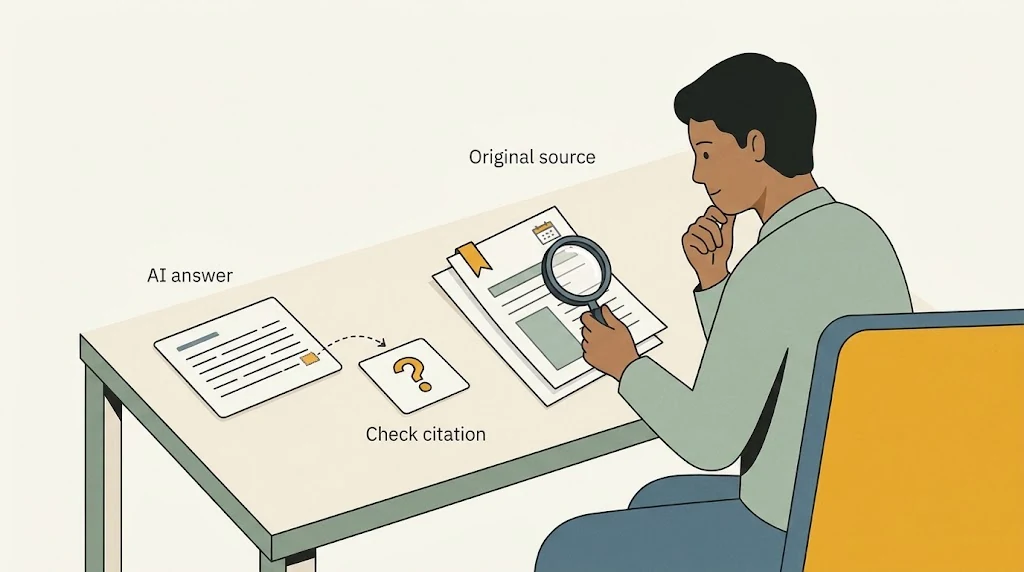
If an answer cites a report, open it. Check its title and author, then locate the relevant passage. A convincing-looking reference may be wrong, unrelated or invented. If you cannot find it, ask the assistant to identify the uncertainty, but do not treat its next explanation as independent verification.
Google explicitly warns that Gemini can even give inaccurate explanations of its own operation, including how it cites sources or obtains fresh information. “I checked this” is therefore a claim to examine, not a substitute for accessible evidence.
Search-connected tools can make verification easier by supplying sources. Microsoft notes that grounding improves relevance and accuracy, while critical details still need review. A link-rich answer deserves the same checks as a confident answer without links.
Match the checking effort to the consequence
A silly birthday rhyme can be judged by whether you like it. Instructions that could erase files deserve much more care. Before following them, check the relevant official documentation, understand the effect and make sure important files are protected.
For medical, legal or financial decisions, use qualified sources and appropriate professional advice rather than treating a chatbot as the deciding authority. Google’s own responsible-use guidance warns against relying on Gemini for those kinds of professional advice.
Ask for a checkable answer
Try this prompt: “Separate confirmed facts from assumptions. Link the original sources for the important claims, include their dates, and say what you could not verify.” Then do the checking. The wording encourages a more useful response; it does not make errors impossible.
AI can help you organize questions, understand unfamiliar terms and draft a first explanation. Keep that convenience. Just reserve the final decision for evidence you can inspect, especially when being wrong would matter.
AI-generated illustrations created with Google Gemini and reviewed for this article. These are conceptual illustrations, not screenshots.